THE MAKING OF “LA BAGUE DU RÉVEIL” FLIPBOOK WITH FLIPHTML5
Welcome back to “the making of” where this time I am proud to share with you the realisation of my latest flipbook “LA BAGUE DU RÉVEIL” a short story I wrote some month ago that now is also available in French.
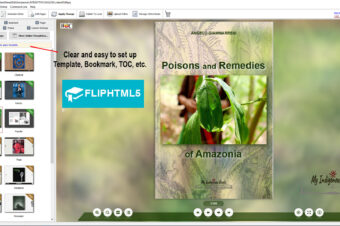
As usual I should have used the desktop version of FLIPHTML5 software (picture below) which is very user friendly
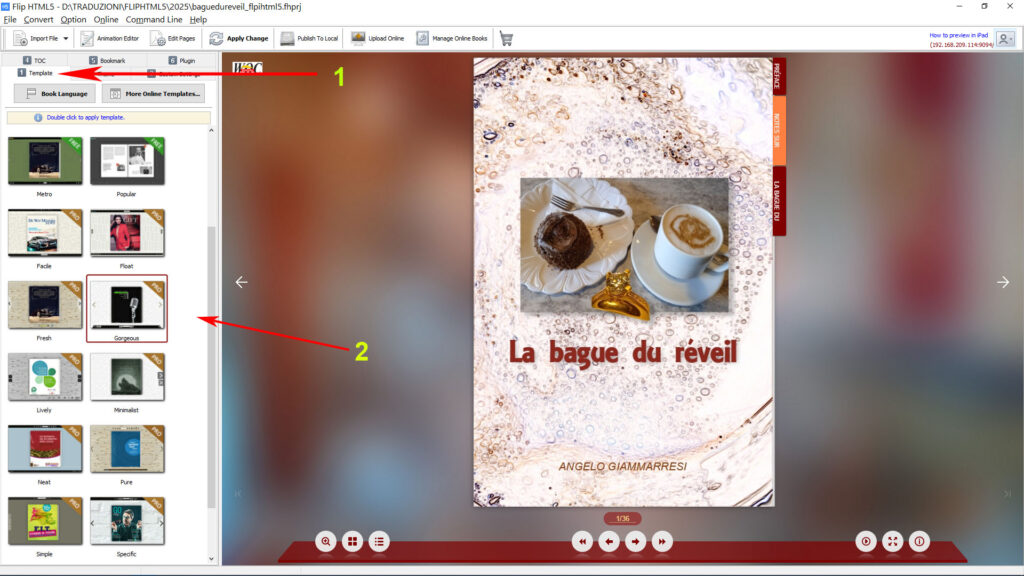
but as it is no longer supported I turned to the Online Fliphtml5 AI version which has the same features plus the support of an AI Chat.
Just log in to your account and you are ready to start creating the Flipbook from scratch
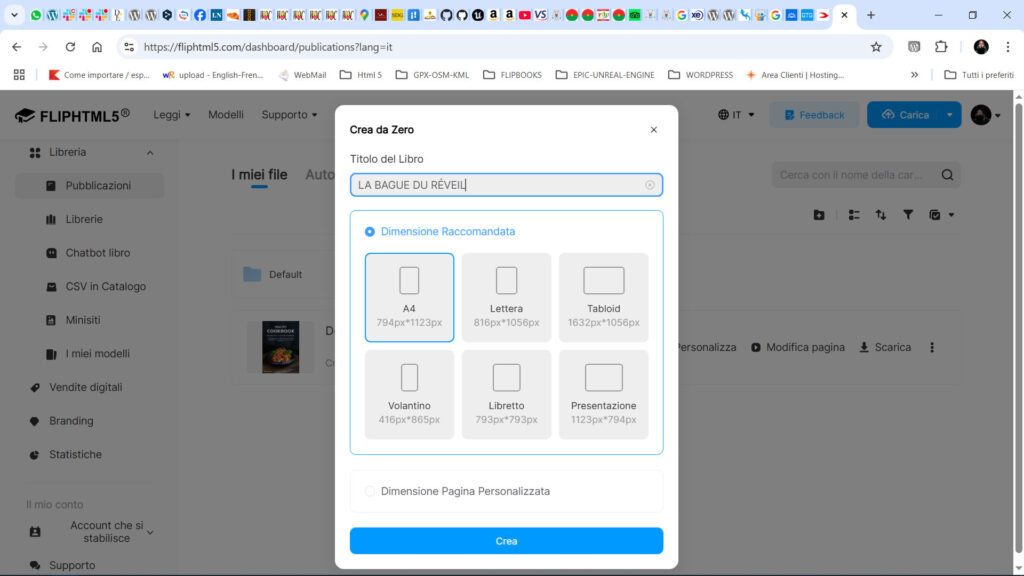
or uploading your chosen file format among PDF, PPTX, DOCX.
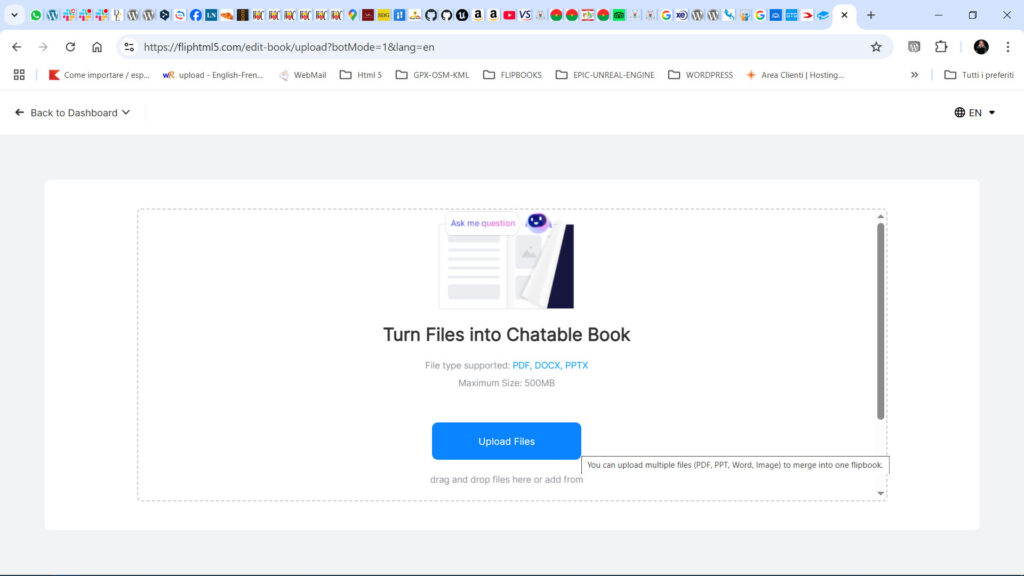
I uploaded my PDF and after waiting for the conversion I reached the following picture screen with the AI assistant asking if do I need some help to proceed.
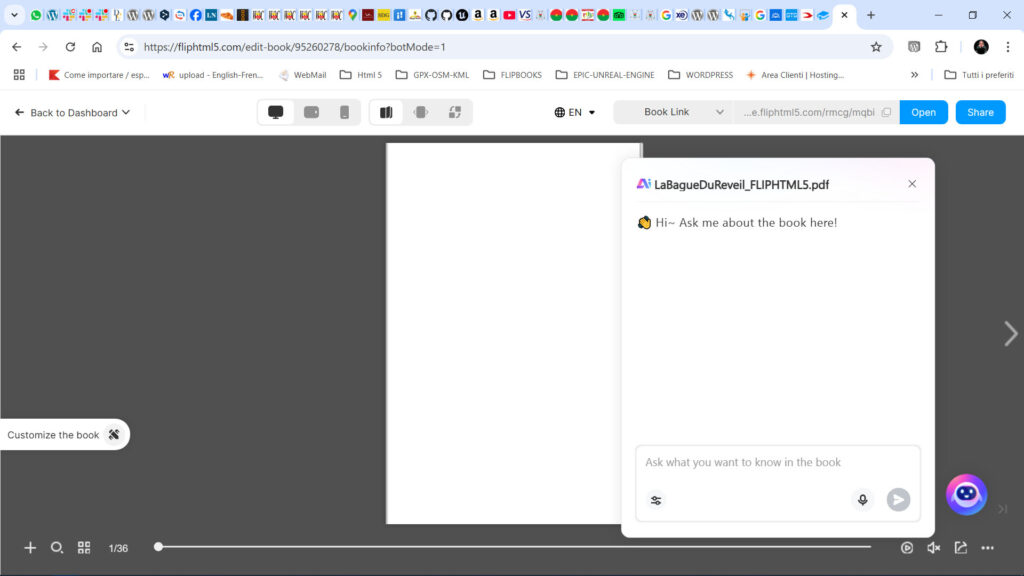
Once dismissed the AI assistant you can start to customize the book. At first I selected the languages to be used in the book interface which can be switched using the language button.
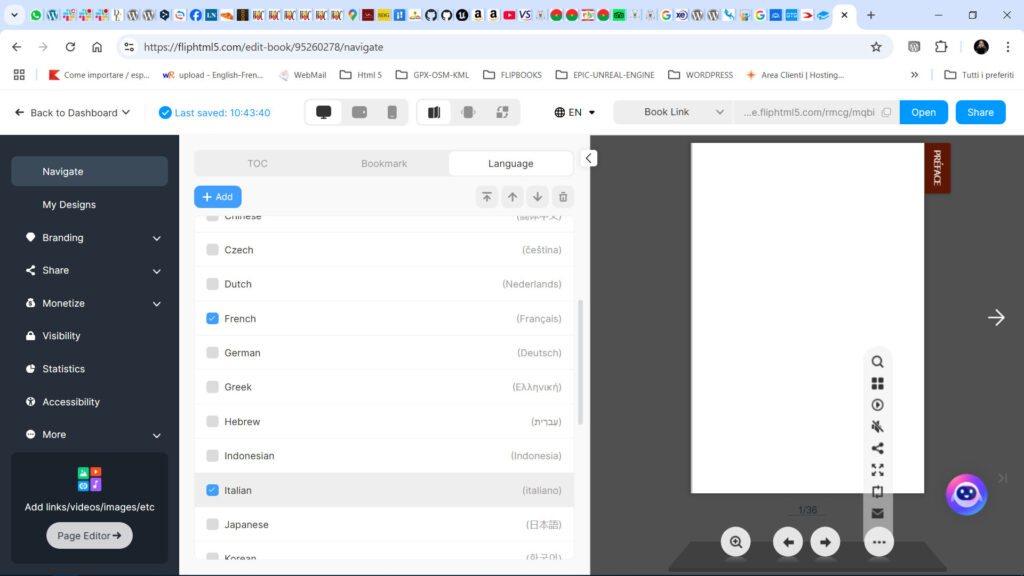
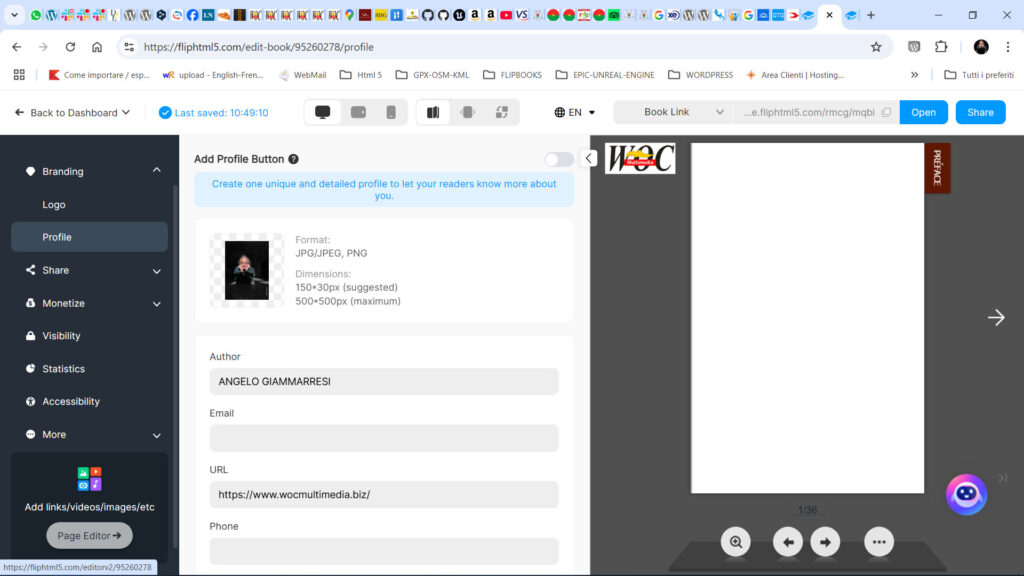
The following step was to update the Profile information.
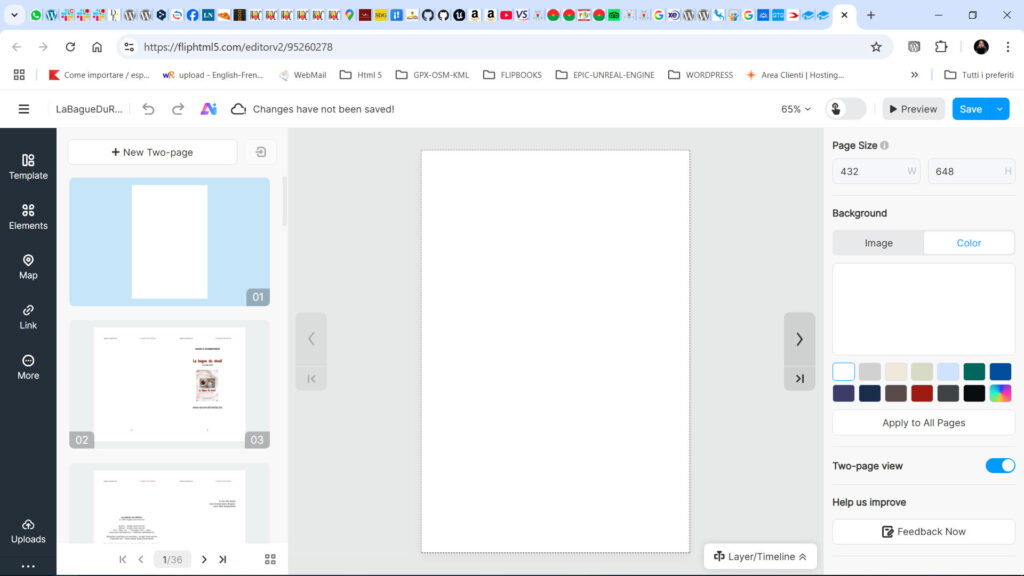
If do you need can switch the interface to Two pages mode but some customizations cannot be done in this mode. If do you need to see how the flipbook appears just use the Preview button instead.
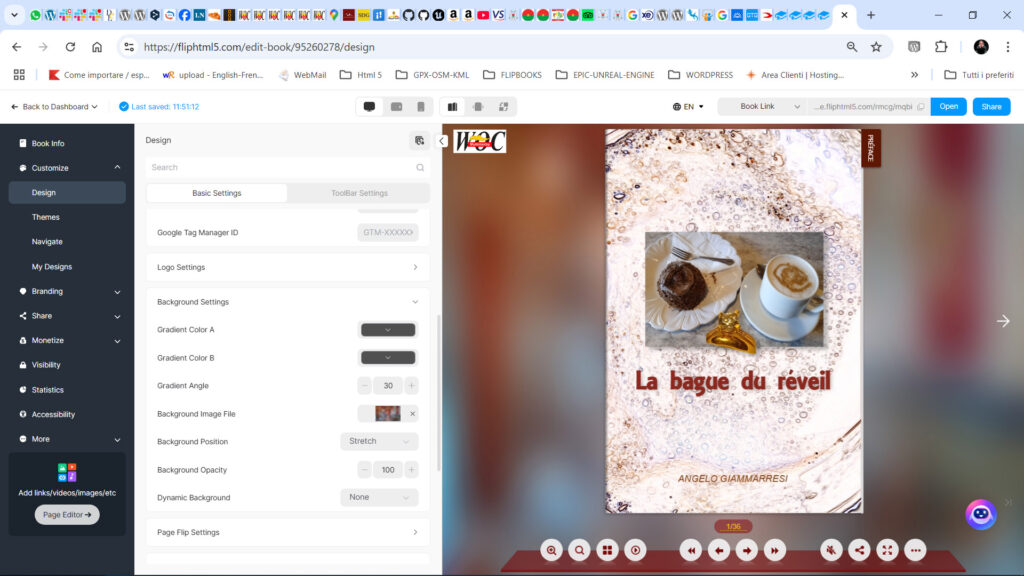
Once reverted to Single Page mode I continued the customization starting with the flipbook Background that you can modify in the Customize > Design > Basic Settings while in the Toolbar Settings can customize colours and other Navigation elements. Anything is customizable with Fliphtml5, the limit is your fantasy.
My Cover page was empty because I wanted having an animated image in it. So on the Left menu you select More > Image and add a picture from local or other sources. I had my local Image which I fit to the page size and on the Right menu there’s a plenty of parameters to customize the Image aspect.
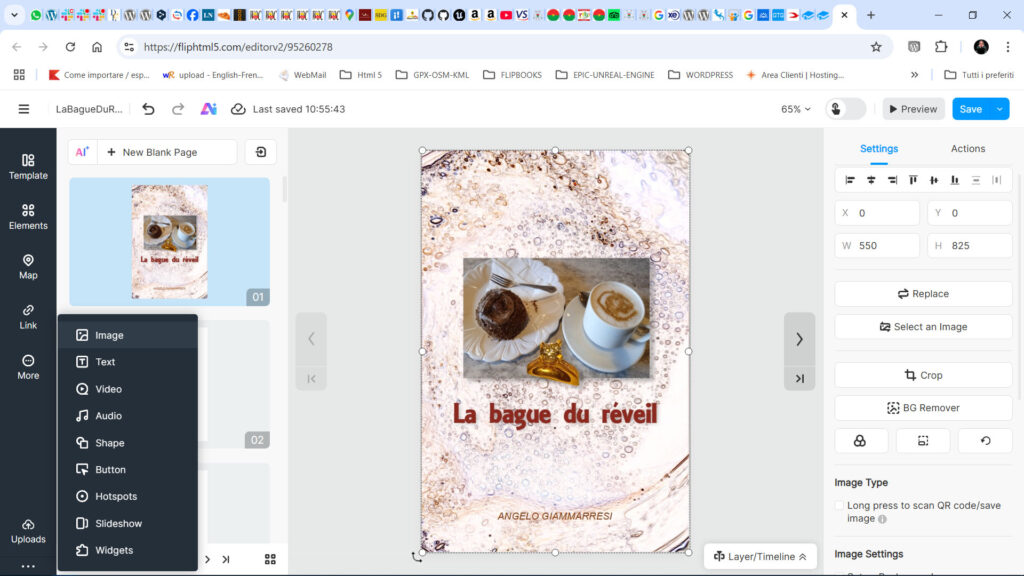
If is needed Fliphtml5 provide you some Filter Presets or manual modifiers to change the look of your picture.
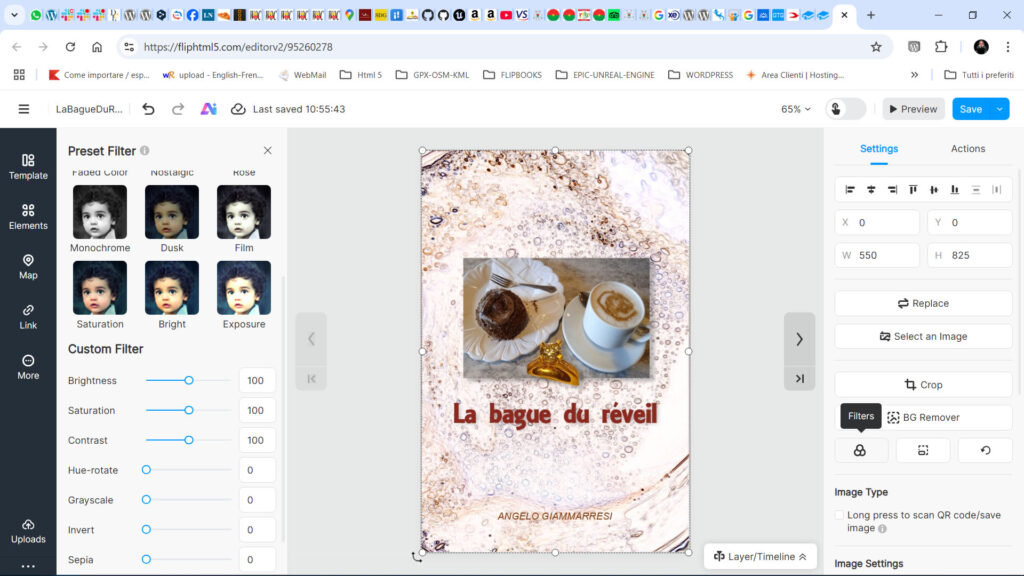
If do you want animate your image as I wanted, you just have to click on the Layer/Timeline button which reveal another magic section of Fliphtml5.
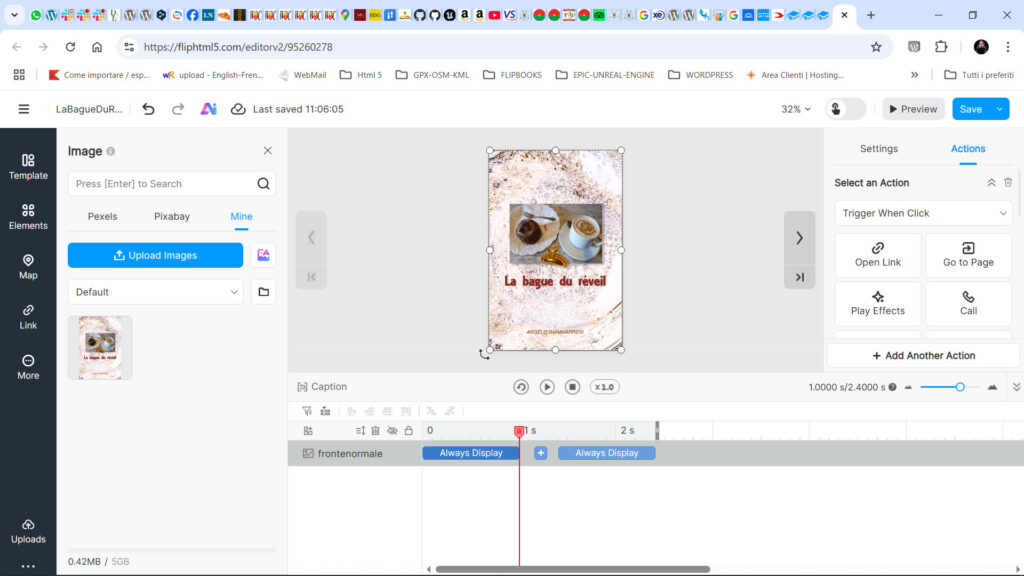
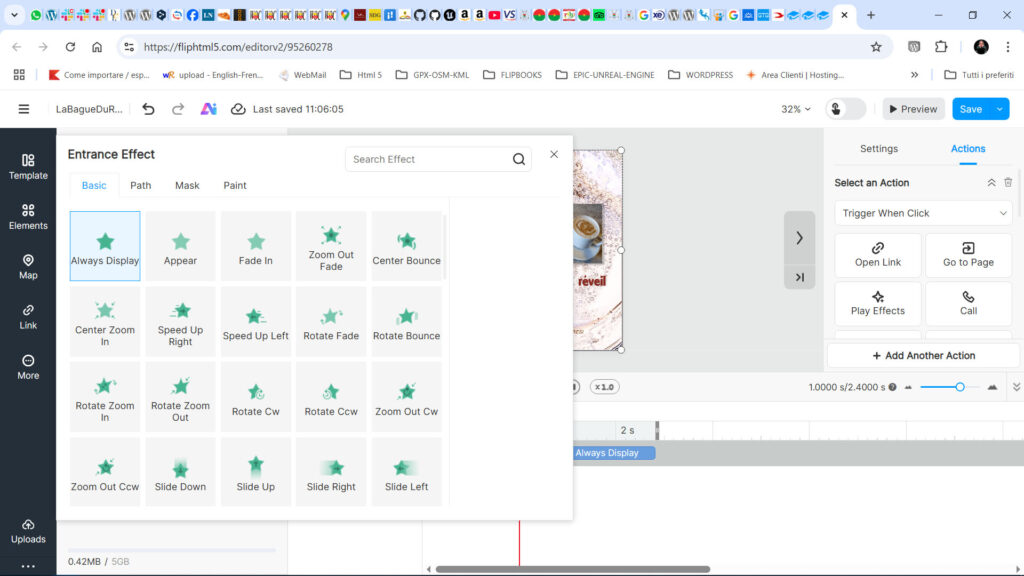
Clicking on the first button Always Display of the timeline it opens the Effects menu that you can use according to your account chosen plan. Select the Effects to preview it then save it.
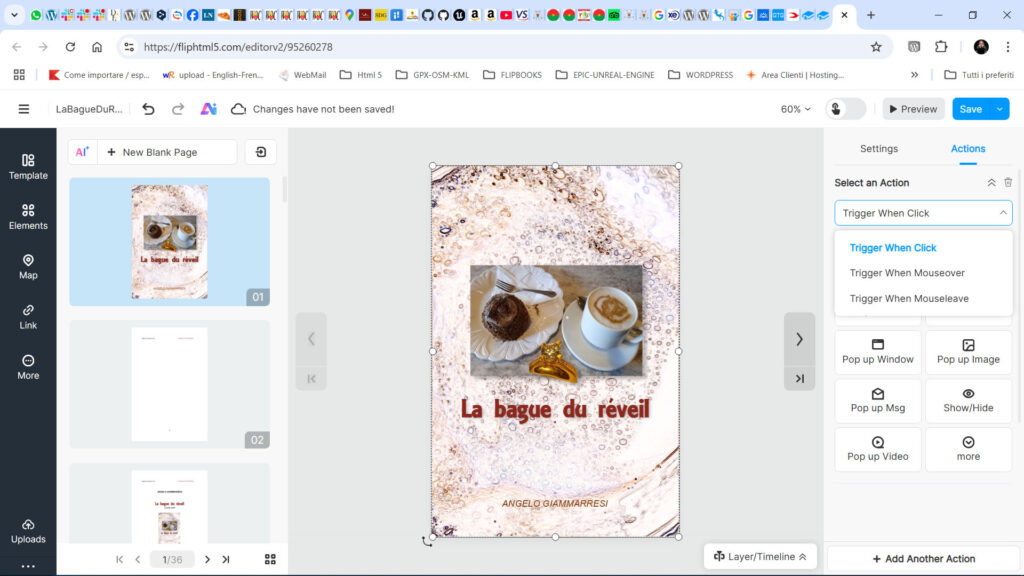
You can set as well as which actions to be triggered by the mouse interaction with your image.
Well, at this point you can go on adding the rest of your flipbook elements until you are ready.
I added several animated pictures to each book chapter but are also available different animated graphics and decorations, sounds, links and much more.
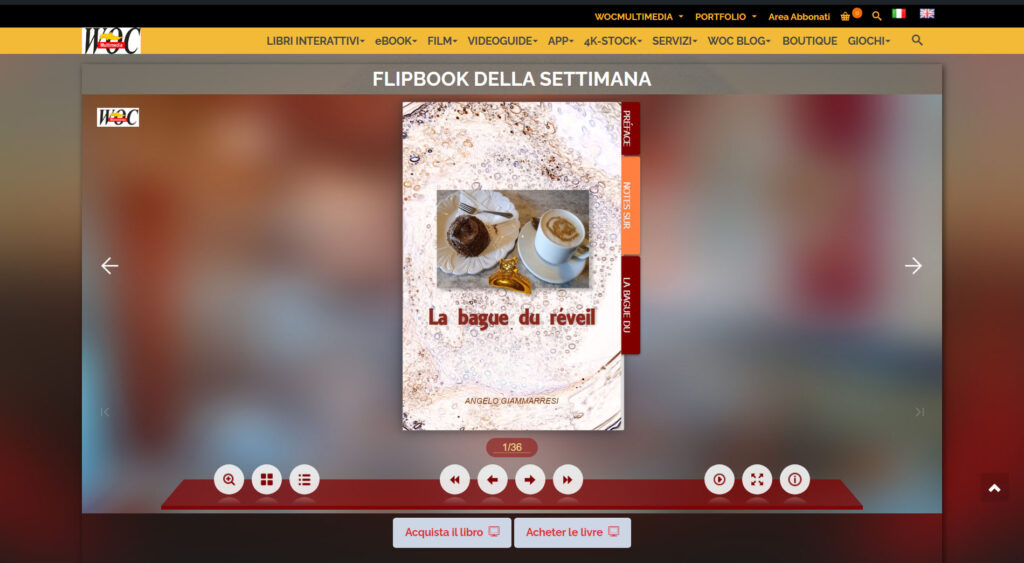
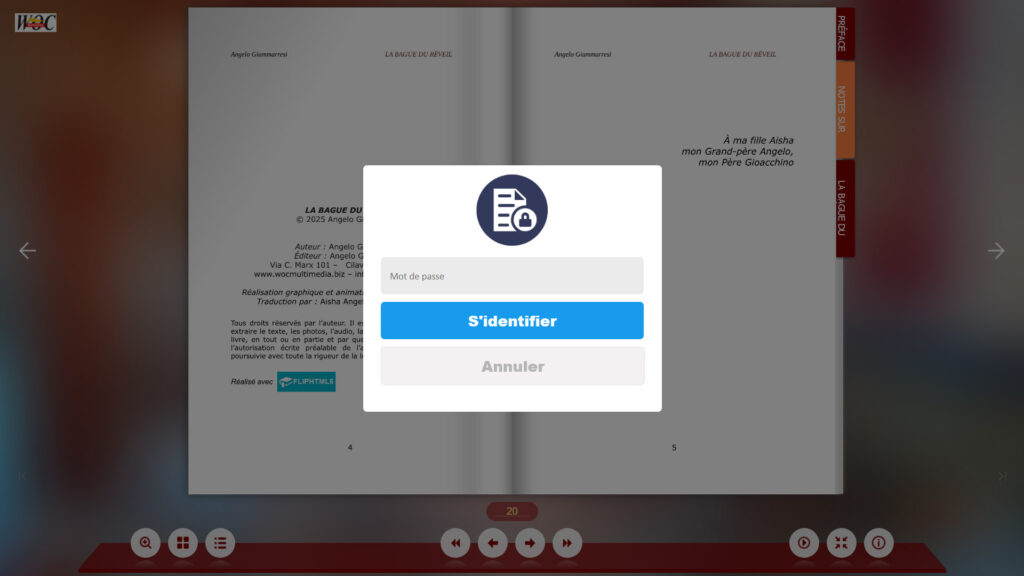
Protect your book with a password that is requested from the reader after the page you have selected when creating the book. Pages have a 256 bit encryption and after the free pages they are not visible either using the thumbnails or the text index or search field. The book stops and displays the login pop-up as follows.
That’s all!
Once you have created your book, if you are satisfied with it, you can publish it on your site, distribute it as a zip file or online in the marketplace of FLIPHTML5
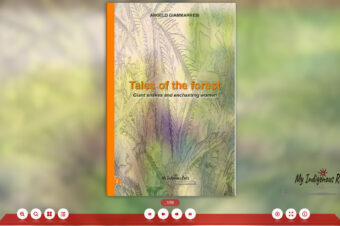
As you can see a flipbook is easy to create and fun to use, click on the image to view the flipbook made with FLIPHTML5
Do you like this book? You can buy it in our Shop online
Have fun creating your own animated books with FLIPHTML5!
We proudly use for our multimedia books


Review by
Angelo Giammarresi
www.wocmultimedia.biz
© Copyright 2026 – World On Communications by Angelo Giammarresi